

Video. Guide. Article.
All from one recording.
Record your process once. AI instantly converts it into a edited video, step-by-step guide, SEO-ready article, and shareable page.
How It Works
One recording, three outputs
Record once and let AI generate everything you need to document your work.
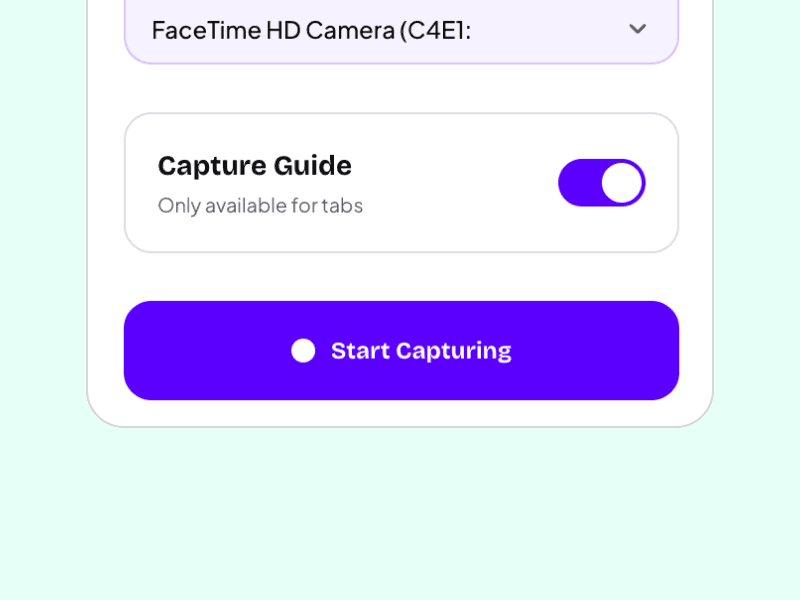
Record Once
Hit record and capture your screen. No setup, no fuss. Just walk through whatever you're explaining - whether it's a product demo, bug report, or tutorial.

AI Does the Heavy Lifting
Our AI analyzes your recording and automatically generates multiple formats: a polished video, step-by-step guide with screenshots, and a written article. All from that one recording.
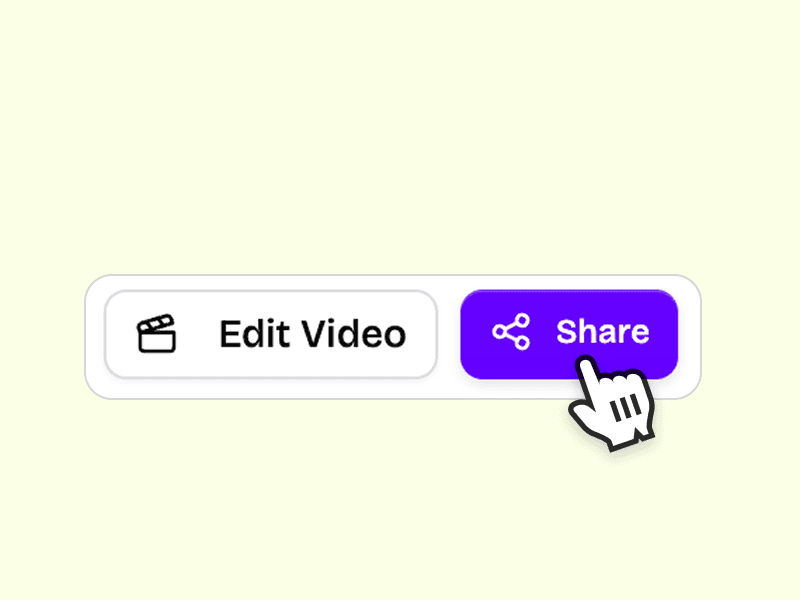
Share Everywhere
Get shareable links instantly. Send the video to your team on Slack, embed the guide in your docs, or publish the article to your knowledge base. One recording, infinite uses.
Why Clickrecord
Stop juggling tools to document your work
Most teams use 3+ tools for screen recording, guides, and documentation. Clickrecord does it all from a single recording.
Before
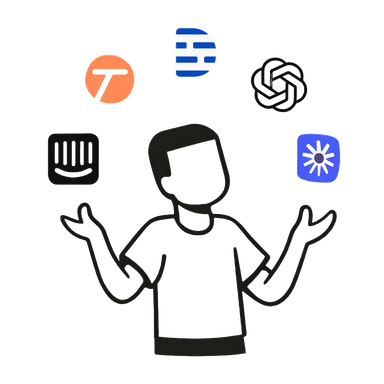
Juggling tools, endless switching
With Clickrecord
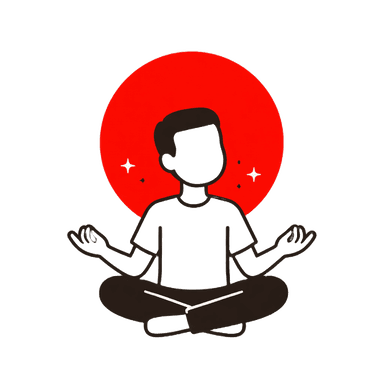
One tool. Peace of mind.
Professional demos.
Minimal editing required.
Our AI automatically edits your recording with smart zooms, smooth transitions, and captions so you don't have to.
Smooth Transitions
Cinematic layout changes.
Auto Captions
Generated & synced instantly.
Easy Trim
Cut out boring parts easily.
Zoom Effects
Highlight important actions.
Smooth Transitions
Cinematic layout changes.
Auto Captions
Generated & synced instantly.
Easy Trim
Cut out boring parts easily.
Zoom Effects
Highlight important actions.
Step-by-step guides.
Fully automated.
We generate a beautiful, interactive step-by-step guide for every video you record. Perfect for documentation and support.
AI Generated
Full step-by-step guides created instantly.
Interactive
Clickable steps for users.
Easy Editing
Add or remove steps easily. Update text & screenshots.
SEO-ready Articles.
Instant content.
Fully AI Generated, customize tone based on brand with AI Prompts, and get annotated screenshots automatically.
AI Generated
Full articles created instantly.
Customize Tone
Adjust based on your brand voice.
Annotated Screenshots
Automatically included in the article.
Share Anywhere.
Engage everyone.
Share via Branded pages, Comments, Transcript, Analytics, or Embed it anywhere you want.
Branded Pages
Custom logo & colors.
Comments
Feedback on specific timestamps.
Transcript
Searchable video transcript.
Analytics
Track views & engagement.
Embed Anywhere
Add to your docs or website.
Use Cases
Built for every team
See how different teams use Clickrecord to document their work faster.
Customer Support
Create help articles, video tutorials, and step-by-step guides for common issues in seconds.
Learn moreEmployee Onboarding
Record workflows once and generate training materials that scale with your team.
Learn moreProduct Documentation
Keep documentation in sync with your product without slowing down development.
Learn moreSales Enablement
Create product demos, feature walkthroughs, and leave-behind materials in minutes.
Learn morePricing
Simple, one-time pricing
No subscriptions. Pay once, own forever. AI credits refresh monthly.
Free
Try the magic before you commit
Monthly Limits
- Unlimited screen recordings
- Full HD video quality
- Share via link
Founder's Note
We believe screen recording should be accessible to everyone. That's why the core recorder is free. No watermarks, no limits. Just create.
Starter LTD
Most PopularPerfect for solo creators
Monthly Limits
- Everything in Free
- Custom branding
- Priority support
Pro LTD
For power users & consultants
Monthly Limits
- Everything in Starter
- Slack integration
- Remove ClickRecord branding
- 3 team seats
FAQ
Frequently asked questions
Why Clickrecord
Built for teams who value their time
Documentation shouldn't take longer than the task itself.
Save hours every week
Stop creating the same content three times. Record once, get everything.
Consistent documentation
AI ensures your videos, guides, and articles always match.
Instant shareable content
Get a single link with video, guide, and article on one page.
No editing required
AI removes pauses, adds captions, and formats everything automatically.
Get Started
Ready to document faster?
Record once, get videos, guides, and articles.